
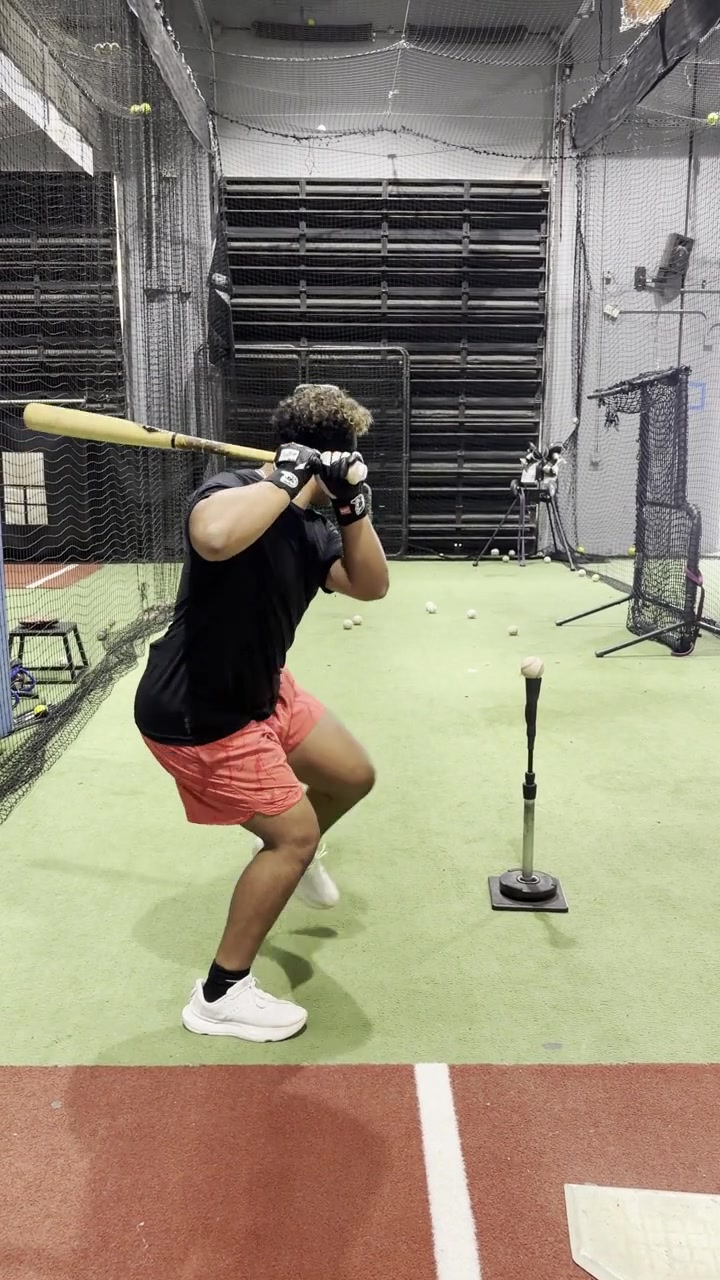
Camera 1
Open-side view
Camera beside the hitter · shows hand path, stride, posture and sequence
No video selected
Payment complete · Step 2
The screen tells the family exactly how to film each view and checks that both clips are present before the analysis begins.
Camera beside the hitter · shows hand path, stride, posture and sequence
No video selected
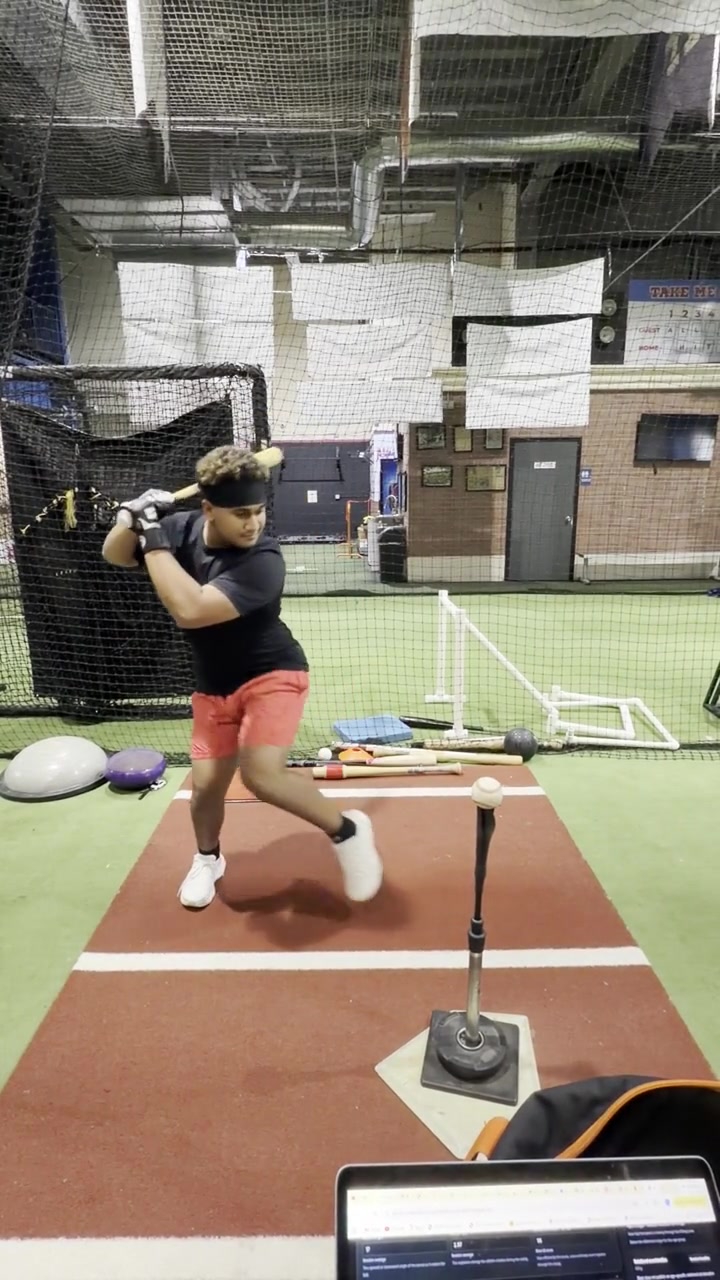
Camera behind home plate · shows alignment, direction and body connection
No video selected
Optional performance data
The videos are enough for a complete evaluation. Add Blast readings only if you already have them; we will explain every number and compare it with the athlete’s age group.